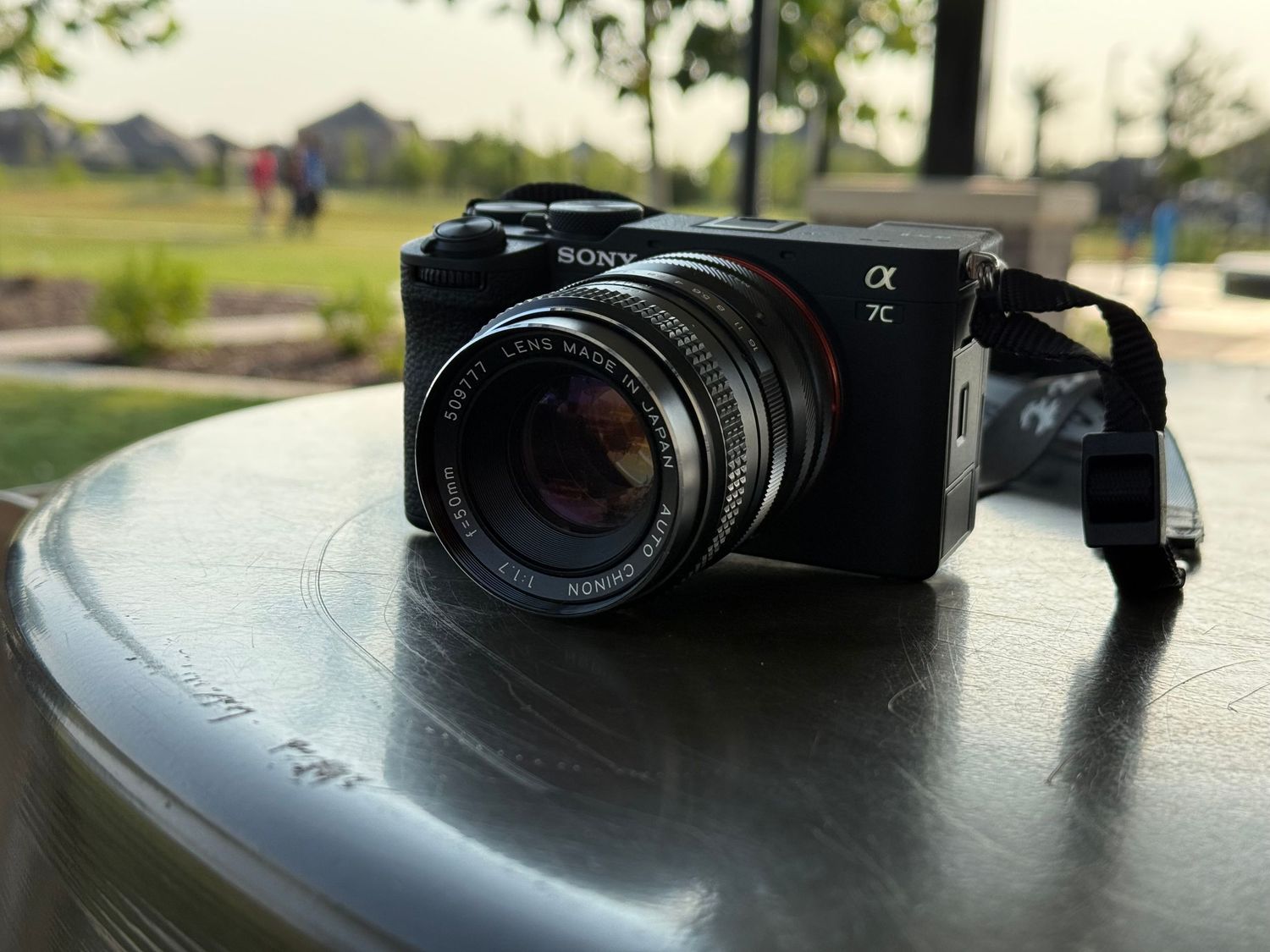
When you hear “always go raw,” most people don’t think of photography — but in this world, that’s exactly what it means. If you want full control, maximum quality, and true editing power, you should always shoot RAW.
For beginners, here’s what that means. A RAW file is the pure, unprocessed data your camera captures the moment you hit the shutter. Unlike a JPEG, which compresses and smooths everything out before saving, RAW keeps every bit of color, texture, highlight, and shadow untouched. It is like having the digital negative of your image.
This is what allows professional photographers to fix exposure, recover detail, and color grade images without losing quality. JPEGs can’t compete. They look good out of the camera, but once you start editing, you hit a wall fast.
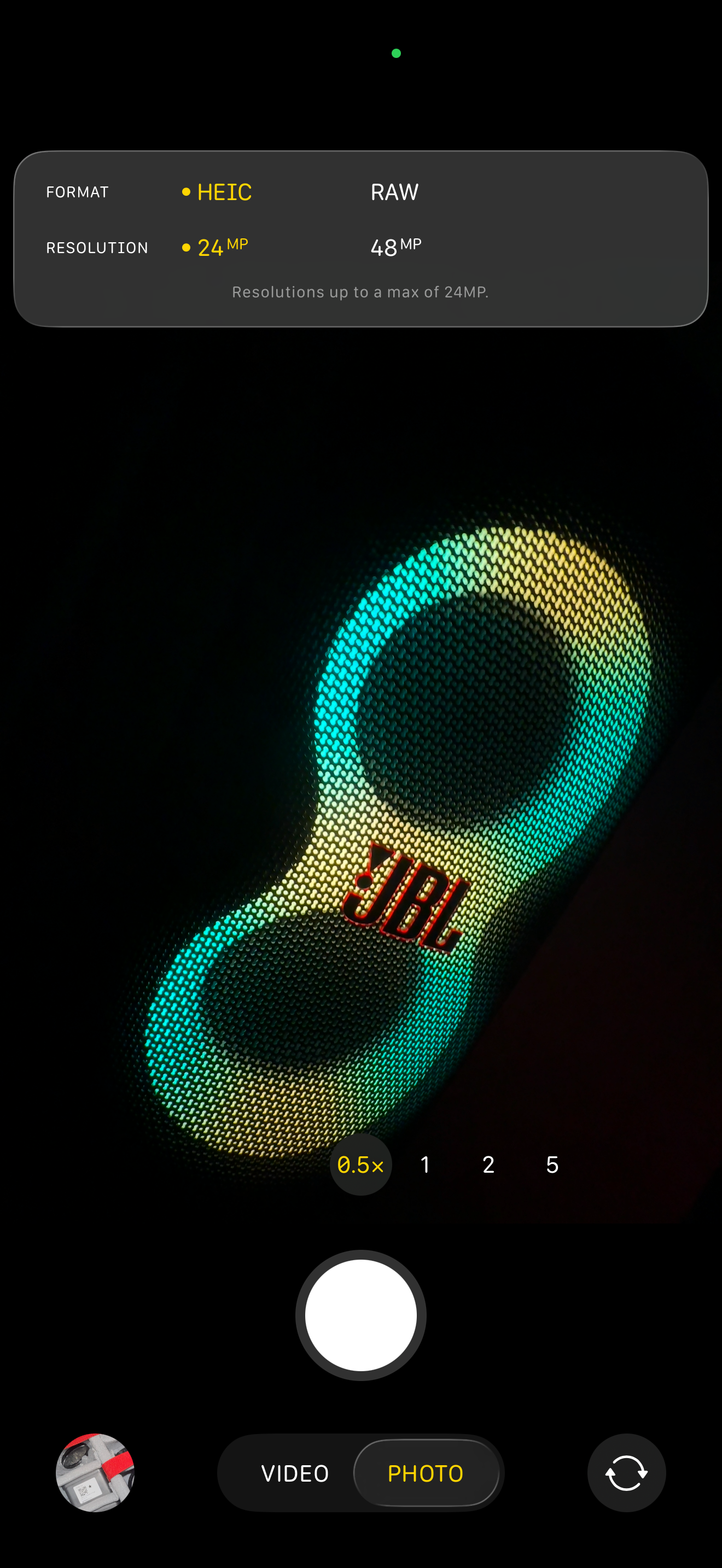
RAW has always been the gold standard for professionals shooting on mirrorless and DSLR cameras. But now, even smartphones are joining the party. The iPhone 15 and several newer Android models can capture ProRAW, giving creators the same editing flexibility that used to be reserved for full-frame cameras.
In the past, RAW files were a pain to deal with. You needed third-party software just to open them, and they took up serious space. But Apple has made RAW photography native to the ecosystem. Now you can import, preview, and even edit RAW images directly in Apple Photos, then share them instantly with friends, family, or clients.
Storage used to be another concern, but that barrier is fading too. Cloud systems like iCloud, Google Drive, and Adobe Creative Cloud now make it easy to back up RAW files automatically. With two terabytes of cloud storage available for just a few dollars a month, photographers can keep their entire archive secure and accessible from anywhere.
For professionals, shooting RAW is the difference between creating and just capturing. For beginners, it’s the easiest way to learn how light and color truly work. It is the format that lets you make mistakes and fix them.
So yes — always go RAW. Whether you are shooting on a Sony, a Canon, or even your iPhone, give yourself the best possible starting point. The flexibility you gain in post-production will completely change how you see your work.